Ready to Upgrade Your IPTV Experience?
Access premium UK channels, sports, movies & more with ultra-fast streaming.
View Our IPTV PackagesChat with us on WhatsApp
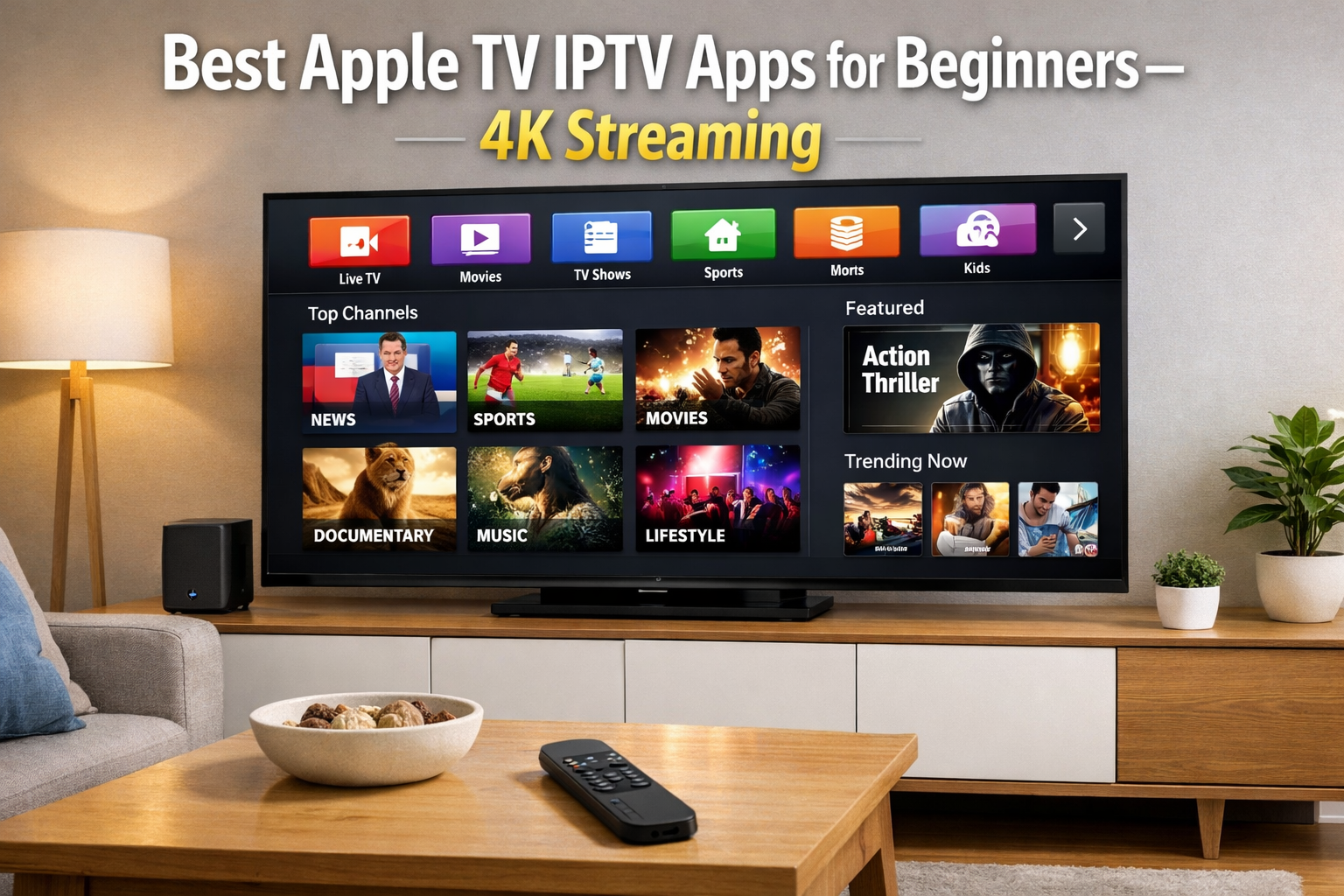
The Beginner’s Guide to the Best Apple TV IPTV App for 4K Streaming in 2026
So, you have an Apple TV and might have heard about IPTV. It sounds great, right? Thousands of channels in clear 4K quality. But where do you start? The App Store is full of options, and for a beginner, it can feel overwhelming. You just want something that works. You are simply searching for the best apple tv iptv app that is easy to set up and plays without constant freezing. This guide is for you. We will look at the top apps, compare them simply, and show you exactly how to get a smooth, buffer-free experience. Let’s turn your Apple TV into the ultimate streaming box.
Why You Need a Dedicated and best apple tv iptv app
Your Apple TV is powerful. It is one of the best compatible streaming devices you can own. But it cannot play IPTV streams on its own. You need a player app. Think of it like this: your IPTV subscription gives you the channels (the ingredients), but the app is your chef and kitchen. It organizes the channels, displays the TV guide, and actually plays the video. A good app makes everything feel smooth and professional. A bad one can make even the best subscription feel cheap and laggy. Finding the right player is just as important as finding a good service.
What Makes the best apple tv iptv app?
When you are new to this, you do not want a million confusing settings. You want an app that is clean and simple. Look for these things: an easy way to log in (like using a code from your provider), a clear channel list, and a reliable Electronic Program Guide (EPG). You also want an app that is updated often. This ensures it works well with new versions of tvOS. The best iptv app for apple tv for you is one that feels natural to use right away.
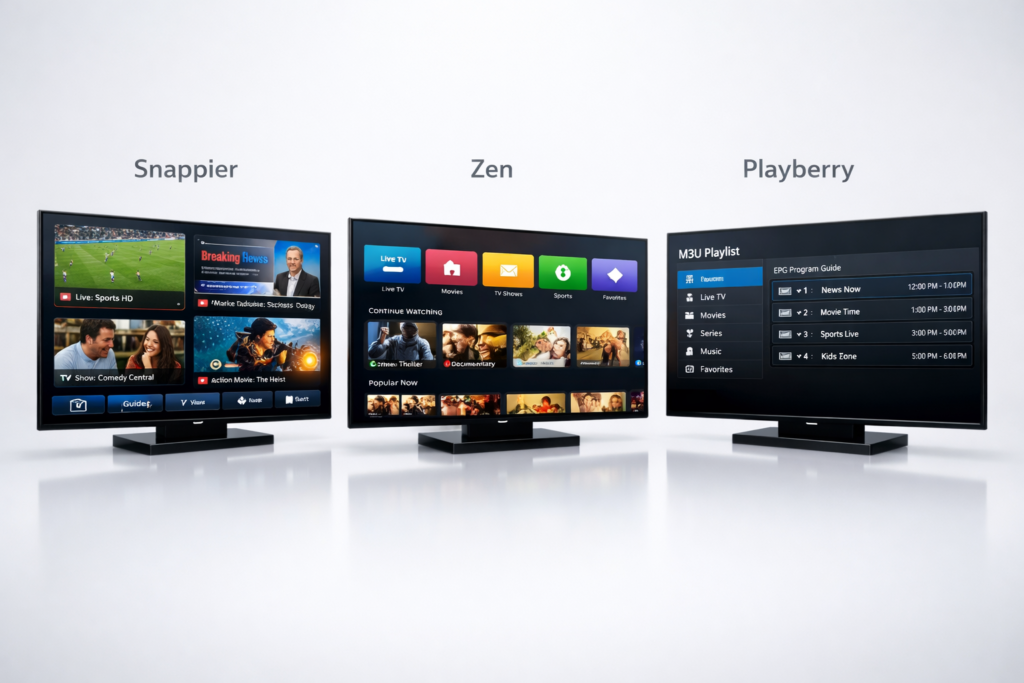
Top 3 Best Apple TV IPTV App Compared
We have tested the most popular apps on the Apple App Store. We focused on ease of use, features, and stability. Here are our top three picks for 2026.
| App Name | Best For | Price | Key Features |
|---|---|---|---|
| Snappier IPTV | Feature-Hungry Users | Free (4-min limit) / $1.99/mo | 3 built-in players (KSPlayer, VLC, MPV), HDR, Multi-screen |
| Zen IPTV Player | Modern Interface Lovers | Free (Live TV only) / $1.99/mo | Beautiful UI, cross-device sync, 4K & Dolby Vision |
| Playberry | Budget-Conscious Beginners | Completely Free | No ads, simple M3U support, AirPlay compatible |
Snappier IPTV: The Best Apple TV IPTV App for Power Users
Snappier IPTV is a top contender, and for good reason. This app is packed with features, including three different video players (KSPlayer, VLC, and MPV) so you can switch if one has trouble with a particular channel. Support for HDR and 4K comes standard. You can even watch four channels at once with its impressive multi-screen view. The free version stops after 240 seconds, which is just for testing. A subscription is very affordable. You can download it directly from the official Snappier IPTV App Store page. If you like to tweak settings, this is the one.
Zen IPTV Player: The best apple tv iptv app with a Modern Look
Zen IPTV Player feels different. It looks a lot like the big streaming services. The interface is clean and modern. It organizes your live TV, movies, and series into beautiful rows. You can create different profiles for family members. With the premium version, your watch progress syncs across all your devices. For a detailed look at its setup, you can check this Zen IPTV Player review and tutorial. If you want a stylish and intuitive experience, Zen is a fantastic choice.
Playberry: The best apple tv iptv app (Free, Simple & No Ads)
Maybe you just want something simple and free. Playberry is exactly that. It does one thing and does it well: it plays your M3U playlist. There are no annoying ads. There are no pop-ups asking you to upgrade. You just put in your playlist URL, and you are watching right away. It is the definition of beginner friendly. It supports live TV and movies. Its simplicity is its superpower. For a full guide, check this Playberry app installation tutorial. we consider it a perfect starting point.
Our Setup Story: Mark’s Smooth Streaming Experience in Bristol
Let’s talk about Mark. He lives in Bristol and loves watching documentaries. He bought an expensive IPTV subscription but used a cheap, unknown app. “It was terrible,” he said. “The app would crash, and the channels took forever to load. My wife refused to use it.” Mark felt frustrated. He thought he had wasted his money. Then, he switched to the Zen IPTV Player. He set it up in five minutes. “The difference is incredible,” Mark told us. “The interface is so clean. Now, my wife uses it all the time to watch her shows. It just works.” Mark’s story shows that choosing the best apple tv iptv app is the key to actually enjoy your subscription.
Buyer Profiles: Which one of the best apple tv iptv app in our guide is Right for You?
Still deciding? Let’s match you to the perfect app.
The Sports Fan Who Needs Reliability
Primary Needs: Fast channel switching, stability during fast motion, ability to watch multiple games.
Recommendation: Go with Snappier IPTV. Its three media players mean you can always find one that handles the stream perfectly. The multi-screen view is perfect for keeping an eye on multiple matches at once.
The Family That Wants a Simple Interface
Primary Needs: Easy to navigate, looks familiar, no complex settings.
Recommendation: Choose Zen IPTV Player. Its interface is just like the other streaming apps your family already knows. The profile feature also keeps everyone’s favorites separate.
Step-by-Step: How to Install and Set Up Your IPTV App
Ready to get started? Here is the simple process for most apps.
- Find the App: Go to the App Store on your Apple TV and search for the app name (e.g., “Snappier,” “Zen,” or “Playberry”).
- Download: Click “Get” to download and install it. For paid apps, you might need to purchase a subscription first.
- Open the App: Launch the app from your home screen.
- Enter Your Details: You will need the login info from your IPTV provider. This is usually an M3U URL or Xtream Codes (a username, password, and URL).
- Add Playlist: Find the “Add Playlist” or “Settings” section and paste your details.
- Wait for Load: The app will download all the channel and guide information. This can take a minute or two for big lists.
- Enjoy: That’s it! Start browsing the channels and find something to watch.
Frequently Asked Questions (FAQ)
Do these apps come with channels?
No. Apps like Snappier, Zen, and Playberry are just players. They do not provide any content themselves. You need to have your own IPTV subscription to use them.
What is an EPG?
EPG stands for Electronic Program Guide. It is the TV guide that shows you what is currently playing and what is on next. A good app will display this guide clearly.
Can I use more than one IPTV subscription in one app?
Yes, many apps support multiple playlists. Snappier IPTV, for example, lets you add and manage several different providers from within the app.
Is it safe to use these apps?
Apps downloaded from the official Apple App Store are generally safe and scanned for malware. However, it is always smart to use a VPN to protect your privacy while streaming.
Conclusion: Start Streaming in 4K Today
Finding the right app does not have to be hard. For the best features, Snappier IPTV is the top choice. If you prefer beautiful design, go with Zen IPTV Player. Alternatively, Playberry is perfect for a simple, free tool. All of them can deliver stunning 4K quality when set up correctly. Stop struggling with confusing software and buffering streams. Pick the best apple tv iptv app for your style and transform your viewing experience tonight.
We want to hear from you! Which app did you choose, and how is it working for your family? Let us know in the comments below.